Ask anything.
Get a clear answer.
Vela is an AI assistant that searches the web, reads your photos and PDFs, creates images and talks with you out loud.
Unlimited messages, free. No account needed.
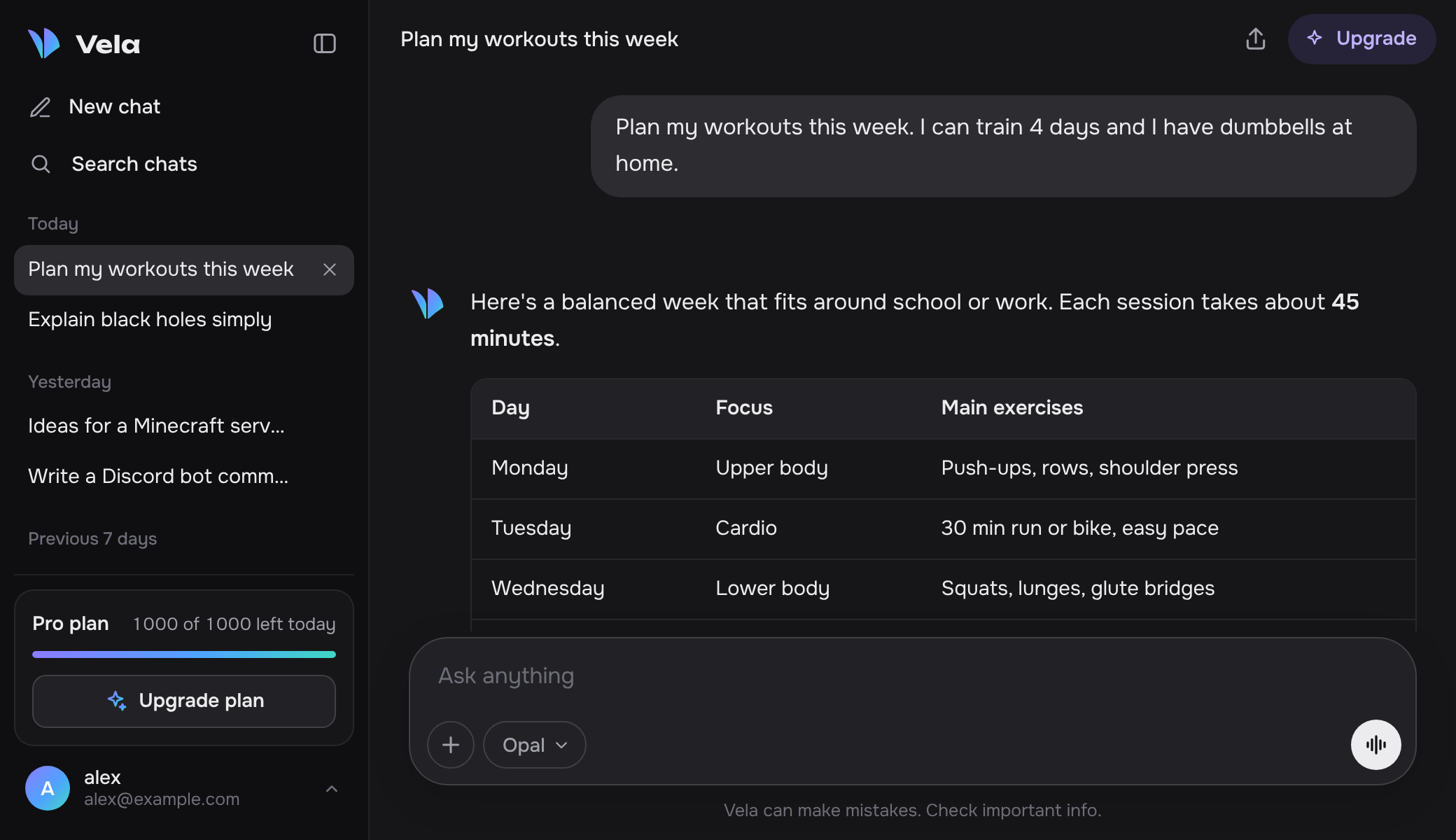
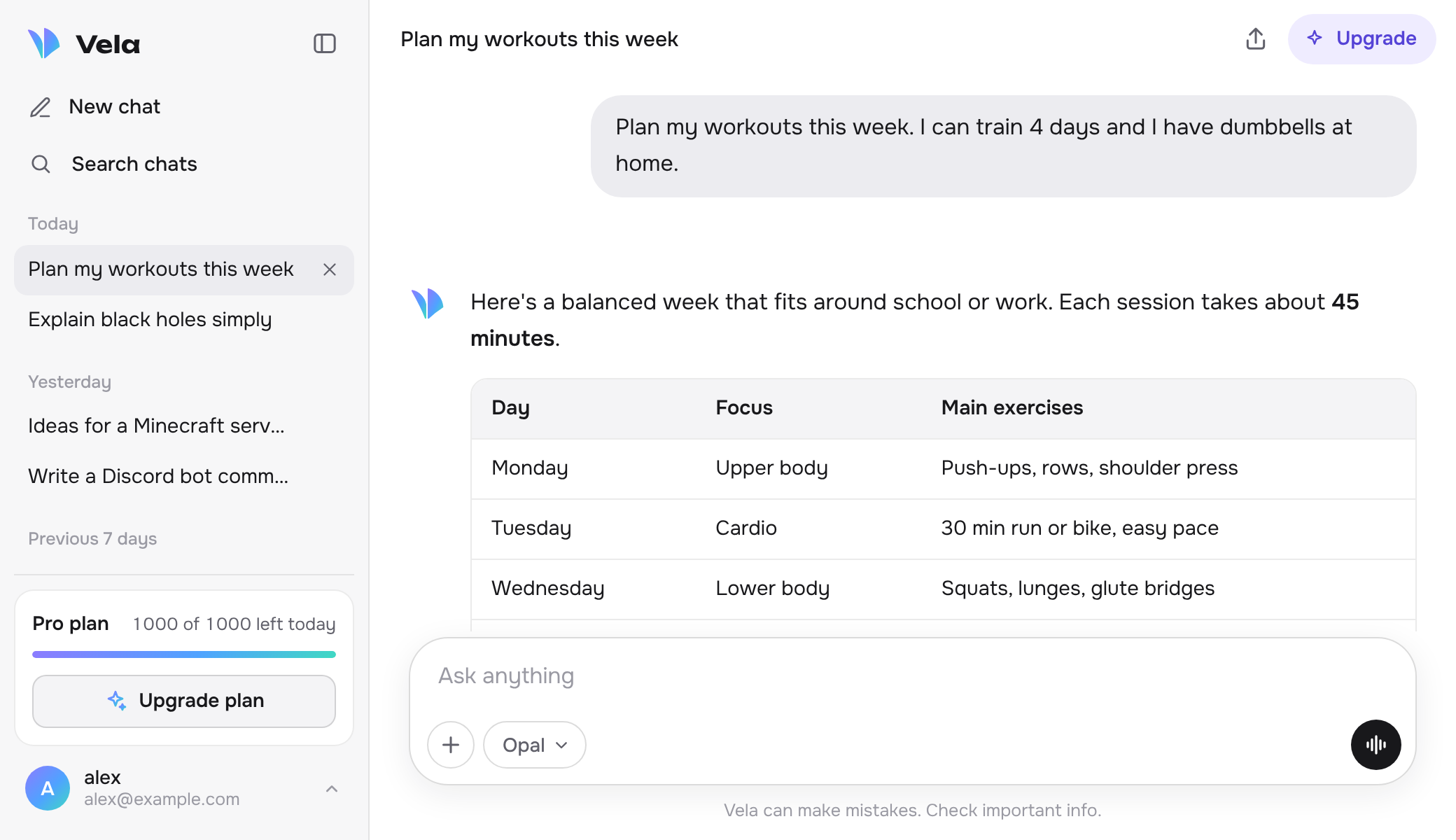
One chat for everything you'd ask
Type or talk. Add a photo, a PDF or some code. Turn on search when you need today's facts.
Search the web
Get answers from today's sources, with links so you can check them.
Send photos and files
Share a screenshot, a homework page, a PDF or a code file and ask about it.
Create images
Describe a picture and get it in seconds. Logos, scenes, ideas for anything.
Talk out loud
Voice mode listens, answers and reads the reply back to you, hands-free.
Remembers what matters
Tell it about yourself once. It keeps useful details, and you can delete any of them.
Your chats everywhere
Sign in and your chats follow you to your phone and laptop. Share any chat with a link.
Pick the model for the job
Fast for quick questions, deeper for hard problems. Switch any time, even in the middle of a chat.
Chat free. Upgrade for more features.
Messages are unlimited on every plan, including Free. Paid plans unlock smarter models, image creation and memory.
Questions
Is it really free?
Yes. Messages are free and unlimited, with or without an account. Paid plans unlock smarter models, image creation, memory and more web searches and uploads. Invite a friend and you both get free image creations too.
What powers Vela?
Vela's models are built on top of leading open AI models, running on fast AI hardware, with Vela's own features added on top.
Are my chats private?
Your chats aren't used for ads and aren't sold. Without an account they stay in your browser. With an account they're saved so you can open them on any device, and you can delete them, or your whole account, at any time. Read the privacy policy for the details.
Can I cancel any time?
Yes. Open the account menu in the chat and choose Manage subscription. You keep your plan until the end of the month you paid for.
Does it work on my phone?
Yes. Open Vela in your phone's browser. To use it like an app, choose Add to Home Screen.
Can I use it in Discord?
Yes. Add Vela to Discord and use the /ask command in any server or in your DMs.